Quickstart
Get trading on Silhouette in five steps. You will need an EVM wallet and funds on Hyperliquid.
1. Connect Your Wallet
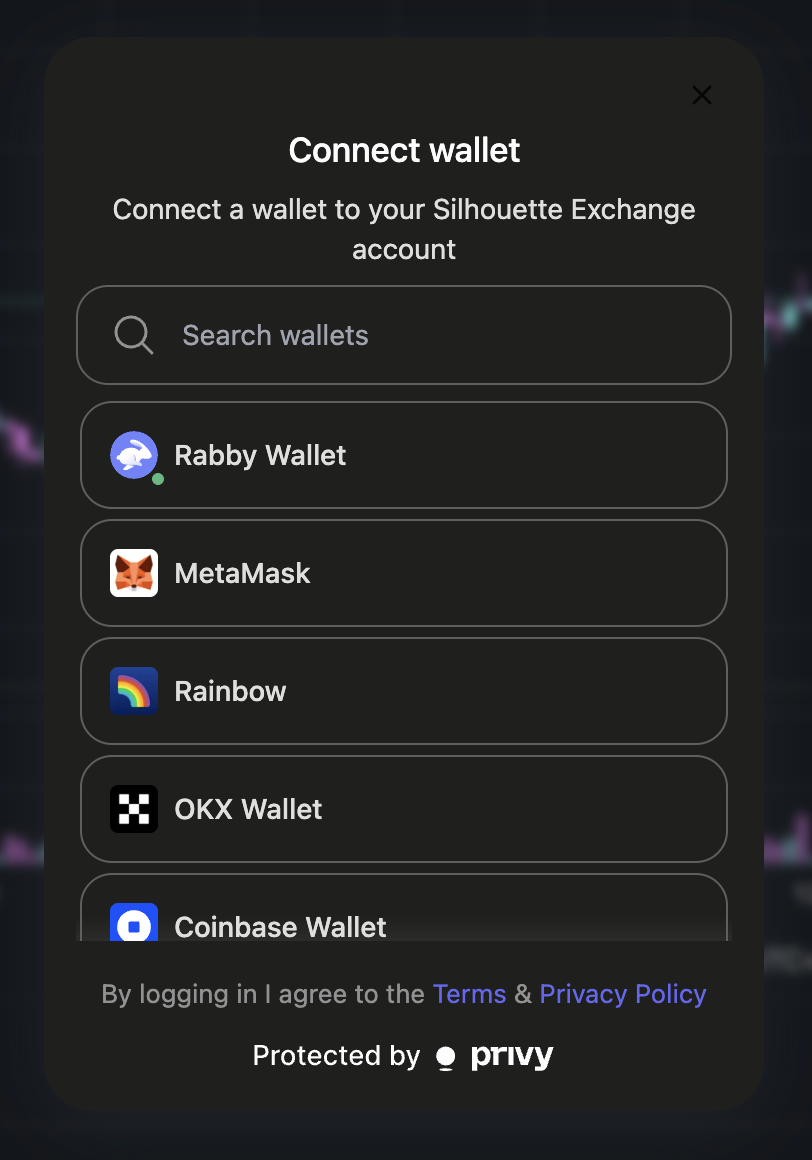
Go to app.silhouette.exchange and click Connect Wallet. Silhouette supports MetaMask, Rabby, WalletConnect, Coinbase Wallet, and email login.
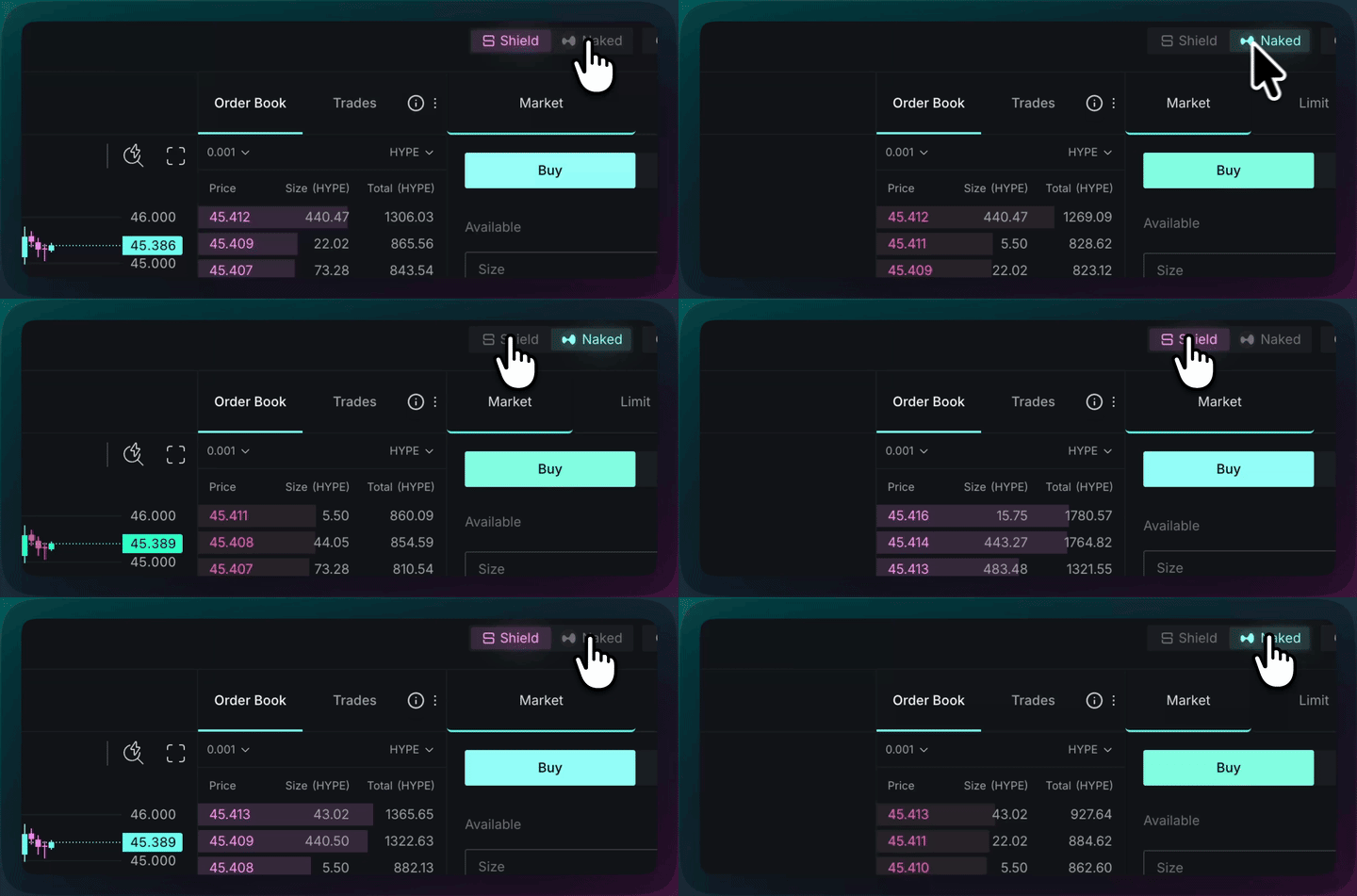
2. Switch between Naked and Shielded Mode
At the top of the page, toggle the switch between Naked and Shielded. Shielded mode routes your orders through the secure execution environment. Naked mode routes directly to Hyperliquid. To understand the difference, see Shielded Trading and Naked Trading.
3. Connect to Shielded Trading
Once in Shielded mode, you will be prompted to click the Connect Shielded button in the Accounts Dashboard. This establishes your encrypted connection with Silhouette's TEE.

4. Deposit Funds
There are two ways to get funds into Silhouette:
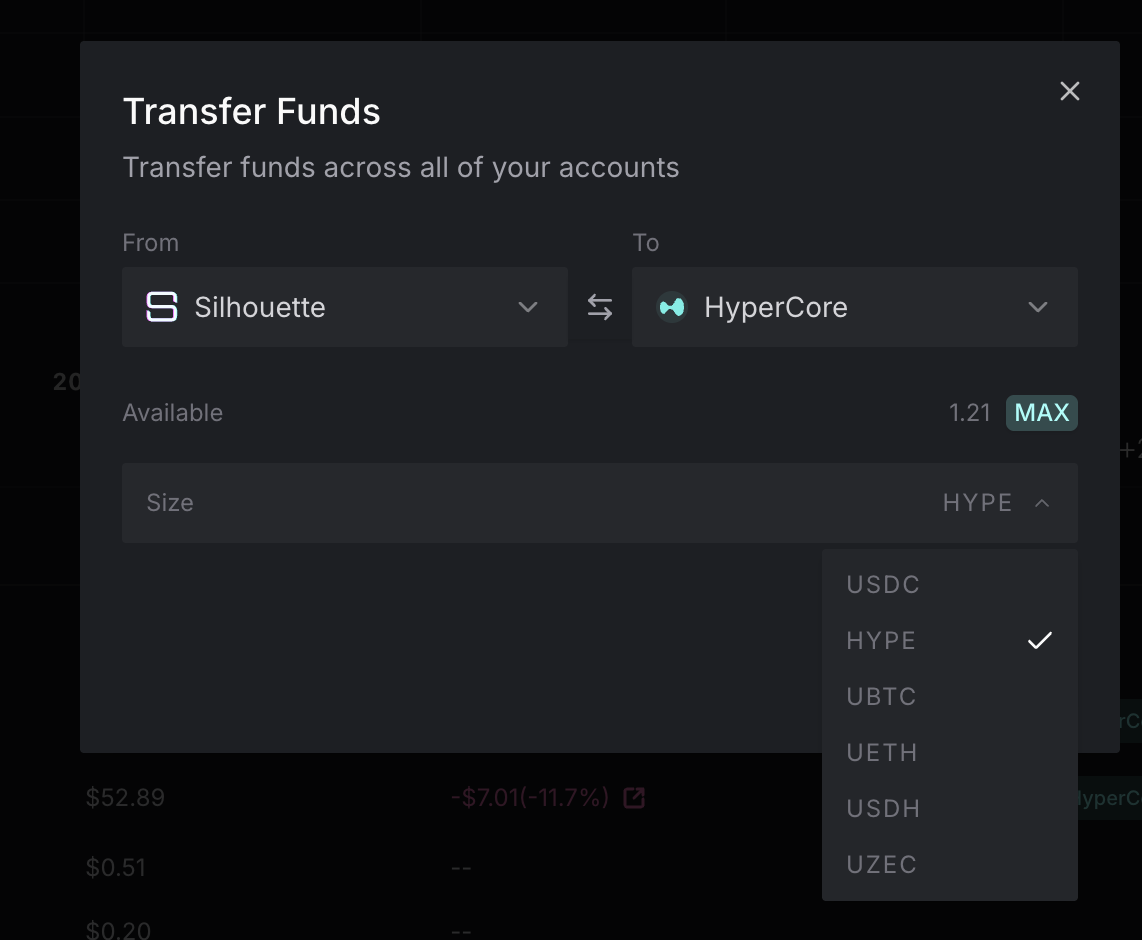
From HyperCore - If you already have assets on Hyperliquid, click To Silhouette in the Accounts Dashboard or Transfer to/from Silhouette in the Balances section. This moves funds from your HyperCore balance into Silhouette's shielded environment.
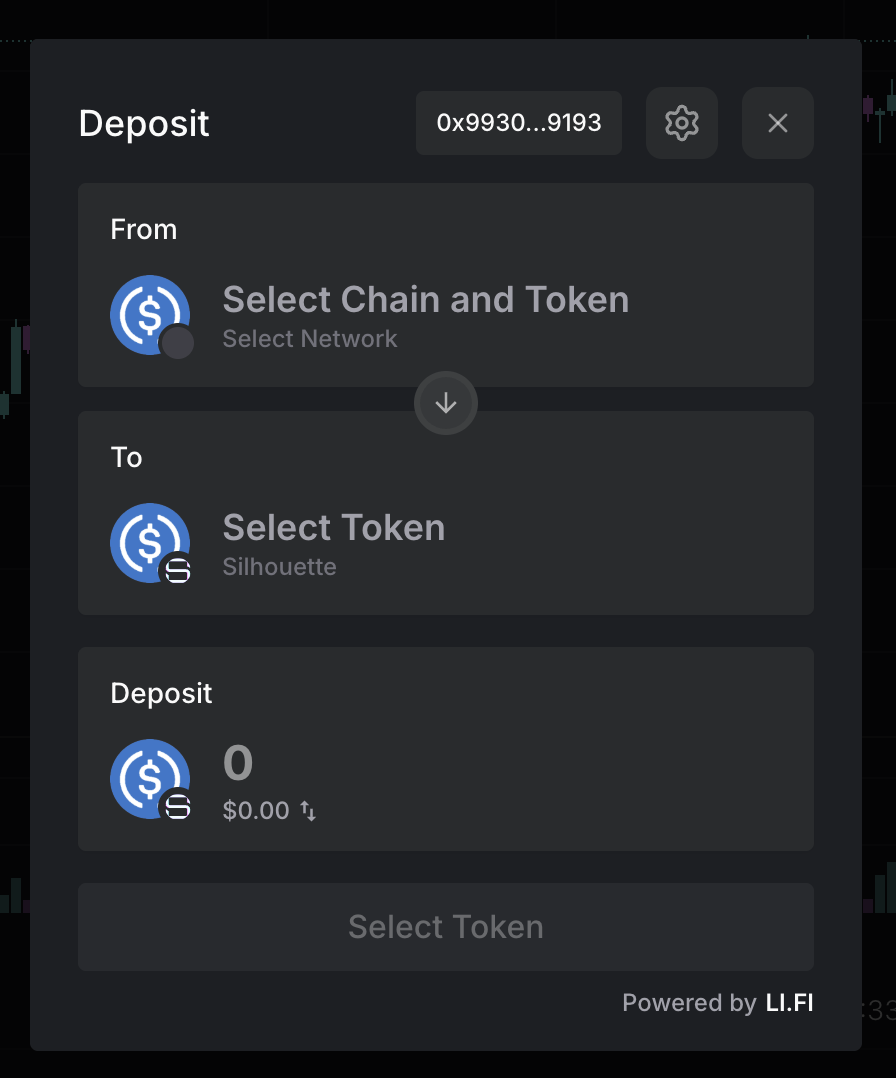
From any chain via Li.Fi - Click Deposit in the app to open the cross-chain bridge. This deposits directly into your Silhouette account from Ethereum, Arbitrum, Base, or any supported chain - skipping the HyperCore transfer step entirely.
5. Start Trading
You are ready to trade. Place shielded spot orders on any supported pair shown in the app. Orders are processed inside the TEE and settled on Hyperliquid; order details are not exposed on the public ledger.
For more detail on how shielded trading works, see Shielded Trading.
Next Steps
- Start Trading - Detailed guide covering spot and perpetuals trading
- Shielded Trading and Naked Trading - Understand the two trading modes
- How Silhouette Works - End-to-end walkthrough of the system